
1
Step 1
Open qibla in the app
From the pilgrim home screen, open qibla without installing a separate app.
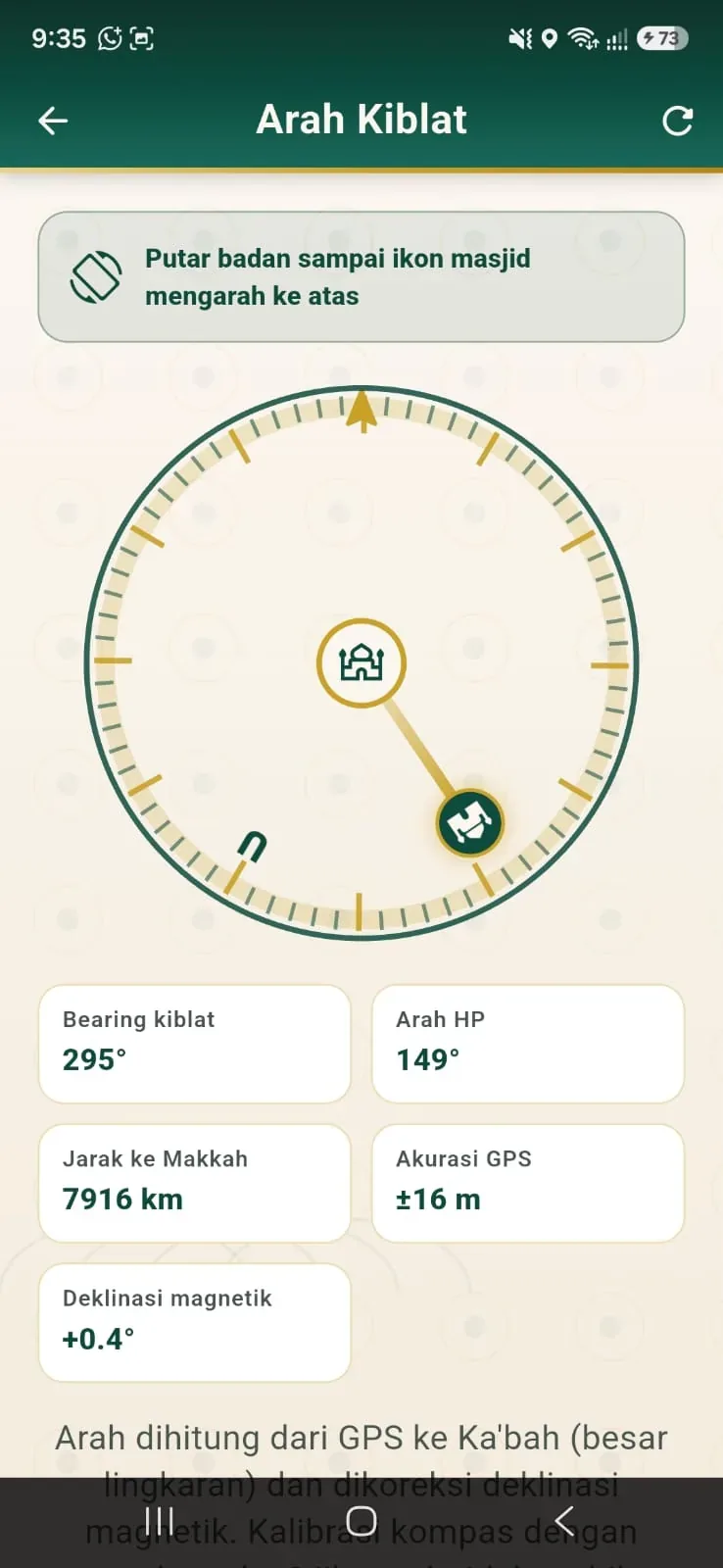
Pilgrims open qibla directly in the app — practical when praying at the hotel, in transit, or somewhere unfamiliar.
From the pilgrim home screen, open qibla without installing a separate app.
The compass guides qibla based on device location.

One place with Quran, dhikr, and hotel guidance — no app-hopping.
No need for a separate qibla app that gets lost on the phone.
Practical when the place is unfamiliar.
One ecosystem with Qur’an, dhikr, and hotel direction.
Available from Lite with no special add-on.
Safar Nova qibla helps Umrah and Hajj pilgrims find direction without switching apps. Included from Lite with Quran, dhikr, checklist, and itinerary.
It uses device sensors and location. Connectivity helps accuracy, but it does not depend on live chat or maps.
Yes. Qibla is part of the pilgrim app from Lite.
It simplifies the Safar Nova journey flow. Pilgrims can still use other apps if they prefer.
Start a trial or choose a plan. Safar Nova helps with dashboard onboarding, groups, and the pilgrim app.